
The design ecosystem in 2026 is evolving at a rapid pace, driven by artificial intelligence, real time analytics, and component driven workflows. Designers today are no longer limited to static tools for layout and visuals. Instead, they are working with adaptive systems that support ideation, automation, collaboration, and precision across platforms. From AI assisted infographic builders to real time layout heatmaps and generative 3D environments, the latest generation of tools is focused on improving both creative quality and production speed.
This research based overview highlights the most impactful new design tools and utilities that are redefining how modern UI, UX, product, and visual designers work.
If you want to explore how all of this work? you must read oue of oue latest blog on 3 Steps of Look and Feel Design.
AI Assisted Visual Creation Is Becoming Practical
Artificial intelligence in design has matured beyond novelty. Newer tools are solving practical workflow challenges rather than just generating experimental outputs.
AI powered infographic and visual content builders now allow designers to convert structured information into editable visual formats. Instead of exporting flat images, these systems produce scalable vector outputs that can be modified like native design files. This bridges the gap between automation and professional control. Designers can generate a base structure through prompts and then refine typography, color systems, and iconography manually. This hybrid workflow significantly reduces early stage production time for reports, presentations, and data storytelling.
AI ideation canvases are also gaining importance. These platforms analyze not just text prompts but spatial arrangements, shapes, and visual context on a board. Based on what a designer places on the canvas, the system suggests expanded concepts and alternative directions. This represents a shift from prompt based AI to context aware AI, which aligns better with real creative workflows.
Real Time Layout Intelligence and UX Diagnostics
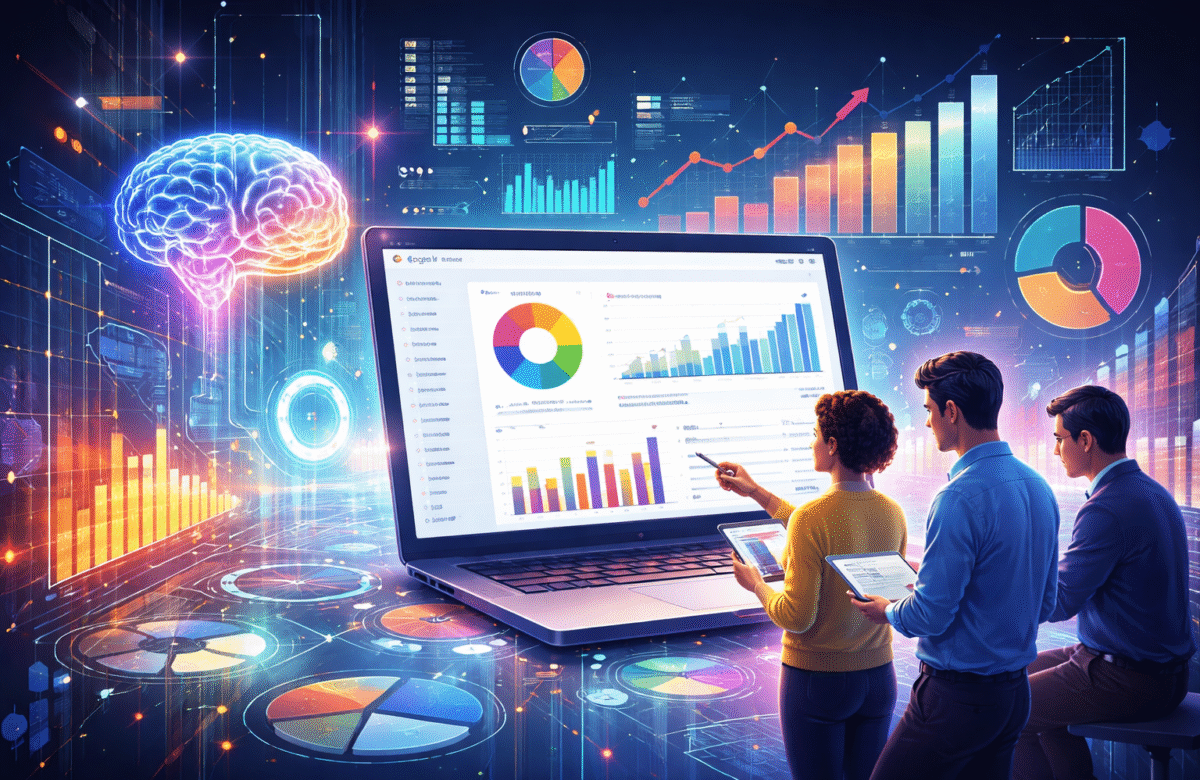
One of the most important shifts in UX tooling is the rise of real time layout diagnostics. Instead of waiting for post launch analytics or user testing, designers can now evaluate layout balance and content density directly inside the browser.
New heatmap style layout extensions analyze element distribution, spacing consistency, and structural balance as a page renders. These tools highlight crowded zones, whitespace gaps, and alignment inconsistencies instantly. This supports faster iteration and more evidence based layout decisions, especially for landing pages and product interfaces.
Responsive grid overlays have also advanced. Modern grid overlay tools dynamically adapt column width and spacing as the viewport changes. This allows designers and developers to validate responsive behavior directly on live pages rather than relying only on design files. The result is better cross device consistency and fewer alignment defects during development handoff.
Icon Systems and Component Ready Assets
Iconography continues to move toward system based usage rather than static asset downloads. Large scale icon libraries now offer thousands of AI generated 3D icons and animated line icons that are ready for product use. These collections are categorized by theme and often allow on demand generation to match a visual style.
A key advancement is direct framework integration. Instead of importing SVG files manually, designers and developers can reference icons as native components inside modern stacks. This makes color, size, and state changes programmable and consistent across applications. For teams using component driven design systems, this approach reduces asset management overhead and improves visual consistency.
Animated icon sets that integrate with modern UI frameworks are also becoming more common. These icons include built in motion behavior, enabling micro interactions without requiring custom animation work for every instance.
Flexible Web Editing and No Constraint Canvases
Traditional web builders rely heavily on grid and block constraints. A new class of tools is introducing freeform HTML editing environments that allow designers to visually manipulate live markup without rigid layout rules.
These platforms allow users to import a URL or HTML file and then reposition elements freely on a canvas. Text can be edited inline and layout changes can be tested visually. This is especially useful for rapid experimentation, campaign page variations, and visual prototyping when speed matters more than strict structure.
Such tools are not replacements for production development environments, but they serve as powerful exploration layers between static mockups and coded layouts.
Code Review and Knowledge Aware Collaboration
Design and development collaboration is increasingly supported by knowledge aware review tools. Instead of applying generic best practice checks, newer review systems reference a team’s historical decisions, internal discussions, and prior approvals.
By analyzing past pull requests, team conversations, and documented standards, these platforms provide context sensitive feedback. This reduces repetitive debates and aligns reviews with actual team conventions. For product teams that maintain evolving design systems and coding standards, this approach improves review quality and reduces friction.
Growth of 3D and Spatial Design Tools
Three dimensional design and environment creation is becoming more accessible through AI driven generation systems. Designers can now generate 3D models and scene variations rapidly and move them into real time engines for refinement.
These tools support iterative scene exploration where multiple variations are produced quickly and then narrowed down. This is particularly useful for product visualization, virtual spaces, interactive storytelling, and immersive brand experiences. Integration with established 3D engines allows generated assets to move into production pipelines more smoothly.
AI powered image and video studios are also advancing, with higher resolution outputs and stronger prompt understanding. Native high resolution video generation and style control are making these platforms viable for concept art, motion experiments, and creative direction work.
Creativity Support and Structured Ideation
Creative thinking tools are becoming more structured and method driven. Modern brainstorming apps now include curated creative method libraries that guide designers through alternative thinking frameworks.
These systems use prompt cards and technique libraries to push designers beyond their default patterns. Teams can also create custom method cards, building internal creativity frameworks over time. This is especially useful for strategy workshops, product discovery sessions, and campaign ideation where process matters as much as output.
Specialized Utilities for Media and Audio
Performance focused utilities are also improving. Lightweight native compressors for mobile platforms now allow fast video size reduction without heavy software. This helps designers and social media teams optimize media quickly for distribution.
On the audio side, local text to speech engines with desktop integration are enabling fast voiceover generation. With local processing and API access, these tools support app builders, content creators, and marketing teams who need scalable audio output without relying entirely on cloud services.
Minimal Creative Environments Are Making a Comeback
Interestingly, alongside AI rich platforms, there is renewed interest in minimal creative tools. Lightweight digital painting applications with distraction free interfaces are gaining traction among illustrators and concept artists. These tools keep controls minimal and emphasize canvas space, supporting deep focus and expressive work without interface clutter.
What This Means for Design Teams
The newest generation of design tools shares a few consistent themes: contextual AI, real time feedback, system integration, and workflow acceleration. Rather than replacing designers, these platforms amplify decision making, reduce repetitive effort, and support higher quality outputs.
For agencies and product teams, the opportunity lies in selectively integrating these tools into existing UI UX design services and product development workflows. The goal is not tool accumulation but capability expansion. Teams that evaluate tools based on measurable workflow improvement will gain the most value.
Design in 2026 is increasingly about intelligent assistance paired with human judgment. The tools are getting faster and smarter, but creative direction and critical thinking remain the real differentiators.